01 · PARKED & PASSENGER MODES
Safe by default in the car
AuroPlay starts in Parked Mode so video only opens when the car is stopped. Sitting in the back seat or using a tablet? Switch to Passenger Mode with one tap.
AuroPlay puts YouTube, Netflix, Prime Video, aha, Instagram Reels, and your other entertainment apps in one clean car dashboard — keeping chats and noisy notifications out of sight.
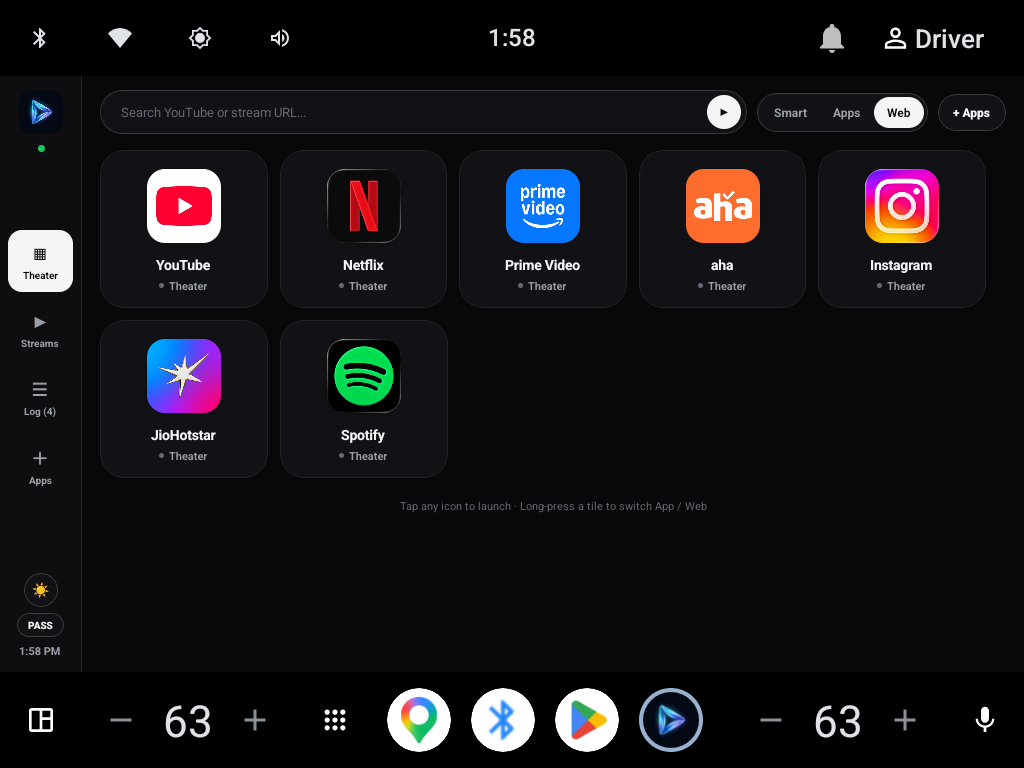
Ready with original app icons — and on Android you can also pin other video or music apps already installed on your phone.












Built for EV charging stops, school pick-up waits, and back-seat road trips — never for watching while driving.
AuroPlay starts in Parked Mode so video only opens when the car is stopped. Sitting in the back seat or using a tablet? Switch to Passenger Mode with one tap.
WhatsApp, Telegram, text messages, Gmail, and banking apps are automatically kept out — so your screen stays clean and focused on shows, videos, and music.
Whenever a new version of AuroPlay is uploaded, your app checks automatically and shows an Update button so you always stay on the latest release.
Large easy-to-tap buttons with crisp dark and light themes that never glare at night and stay clear in bright afternoon sun.
Tap any app below to see how AuroPlay keeps messaging and banking apps out of your entertainment hub.
Here is exactly what works on your phone, built-in car screens, Android Auto, and Apple CarPlay — with no hidden tricks.
| What You Want to Do | Built-in Car Screen | Android Auto | Apple CarPlay |
|---|---|---|---|
| Open Full AuroPlay Hub While Parked | Full Screen | Parked Mode | Companion Screen |
| Watch YouTube & Web Videos (Parked) | Right on Screen | Parked Supported Cars | Watch on iPhone |
| Open Netflix, Prime, aha & Disney+ | If App Installed | Opens on Phone | Opens on iPhone |
| Listen to Spotify & Podcasts | Yes | Yes | Yes |
| Watch Video While Driving | Locked for Safety | Locked for Safety | Locked for Safety |
Pick your device below to download the app and follow the visual install screens. For personal testing only — please read our Safety & Fair Use Notice.
Works on Android phones, tablets, and Android car screens.
Tap Download for Android above, then open the downloaded file from your browser bar or Downloads folder.
Because this is a direct test build (not from the Play Store), switch on Allow from this source once, then tap Install.
Tap + Apps inside AuroPlay to pin media apps already on your phone. Keep Parked Mode on whenever you are in the driver’s seat.
Personal test build — install using your Mac or PC, no jailbreak needed.
Save the iPhone app file onto your computer. Apple does not let Safari install test apps directly from a webpage.
Plug in your iPhone and open AltStore, Sideloadly, or Xcode. Drop in the AuroPlay file and sign in with your free Apple ID.
On your iPhone, go to Settings → General → VPN & Device Management, tap your profile, choose Trust, and open AuroPlay.
Once AuroPlay is installed, you do not have to keep checking this website. Whenever we upload a new version, AuroPlay pops up an Update Now bar right inside the app.